DeepSeek AI Tool – Features, Uses, Pricing & Complete Guide

What is DeepSeek?
DeepSeek is an advanced open-source AI model built for fast reasoning, coding, data analysis, and problem-solving.
It is designed to be high-performance and cost-efficient, making it a strong alternative to expensive AI models like GPT-4, Claude, and Gemini.
DeepSeek is mainly used for:
- Coding help
- Data analysis
- Writing & content creation
- Research and reasoning
- Automation tasks
- Chat-based assistance
Because DeepSeek is open-source, developers can self-host it and build custom AI tools on top of it.
How to use DeepSeek?
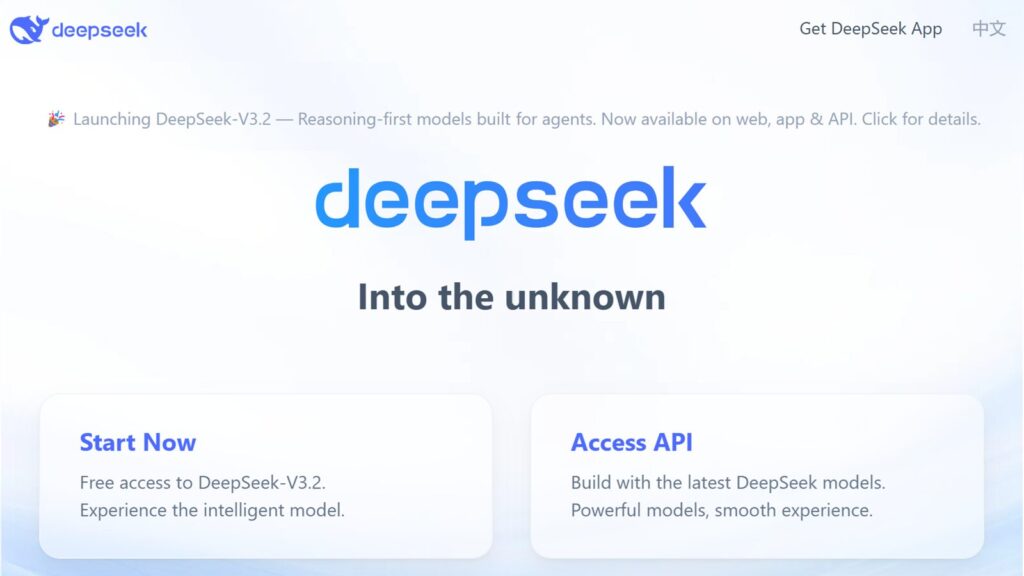
Step-1: Head to DeepSeek website.
Step-2: To start “Chat” or “Access API“, click on any of the options (Start Now or Access API).
Step-3: Click on “Sign Up” or “Log in with Google” to create an account and generate your API keys.
Refer to the official documentations for integrating DeepSeek models into your applications.
Features of DeepSeek
Strong Reasoning
Math & Science
Coding Power
Long Context Understanding
Open & Cost-Efficient
DeepSeek Pricing
Pricing Overview (high level):
Web chat:
Often free or limited free access
API access:
Much cheaper than OpenAI or Anthropic
Pay-per-token pricing (varies by model)
Local models:
Free (only hardware cost)
DeepSeek is known for being one of the most affordable high-performance AI options.
Who Should Use DeepSeek?
Programmers & engineers
Researchers
Data scientists
Students studying math, CS, or AI
Startups needing low-cost AI
People who want to run models locally
DeepSeek FAQ
Is DeepSeek free?
Yes. You can use the basic model for free on supported platforms. API usage may cost a small fee depending on the provider.